
More Than Just a Booking App
Built for barbers and mobile detailers. One system to stay organized and grow, in the shop or on the road.

Set up in minutes · Cancel anytime · Your clients stay yours
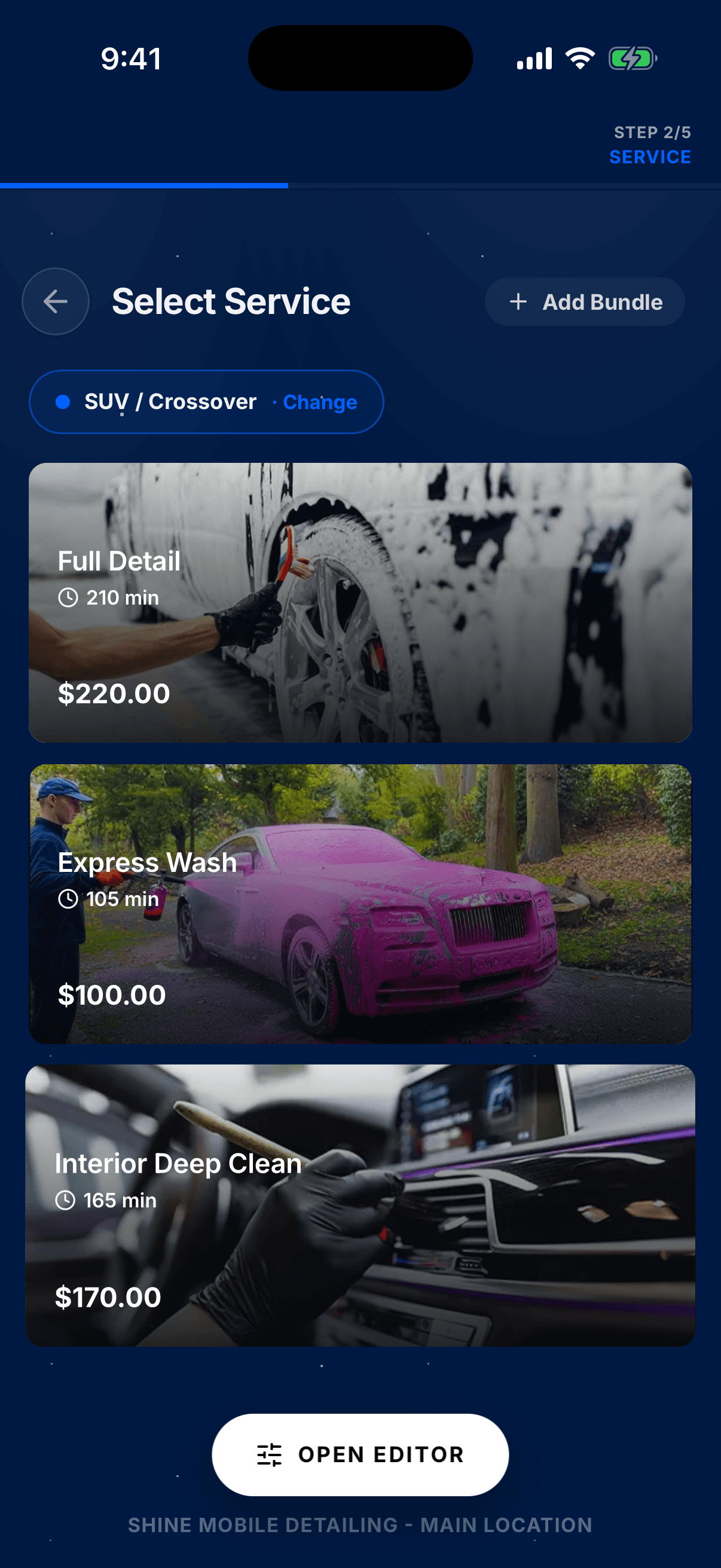
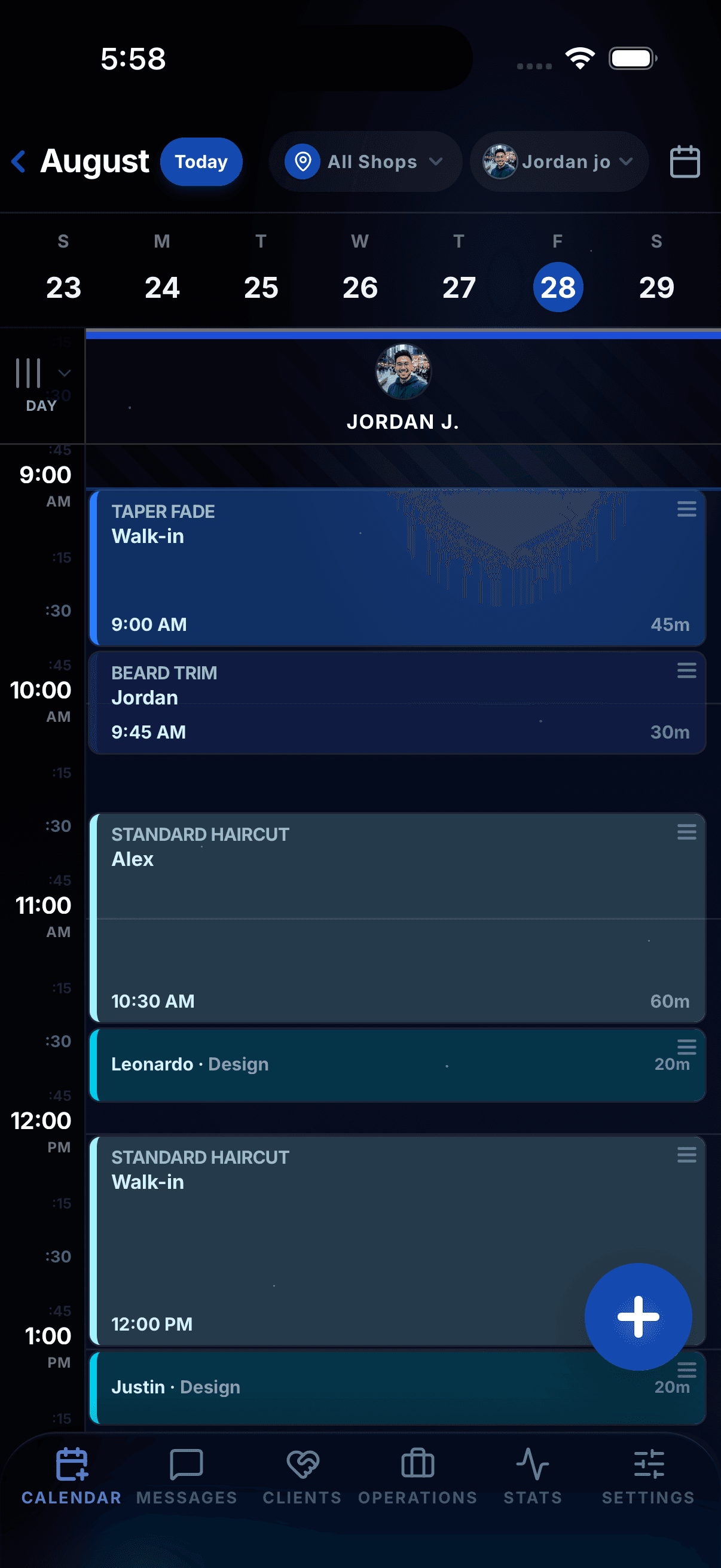
Pick your trade
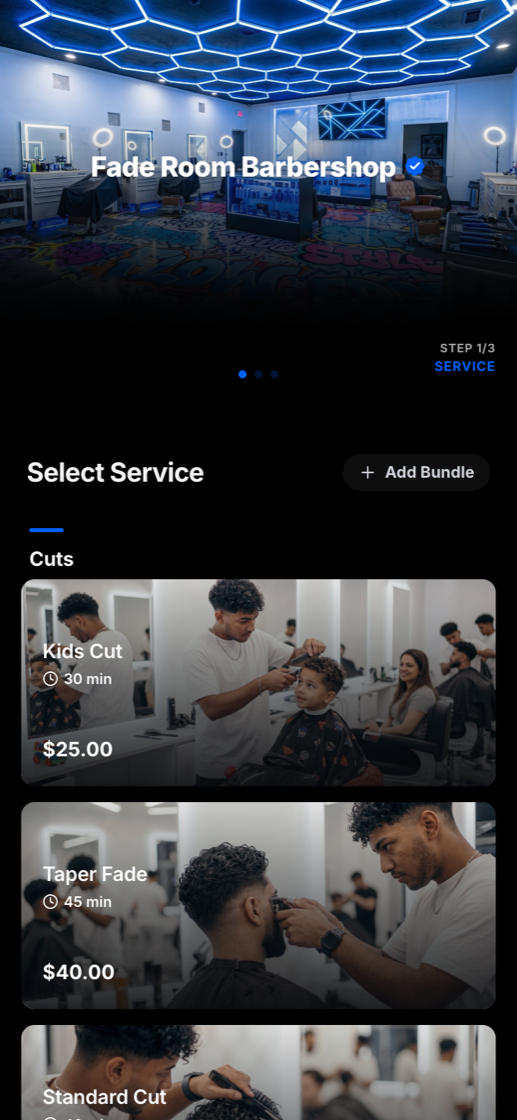
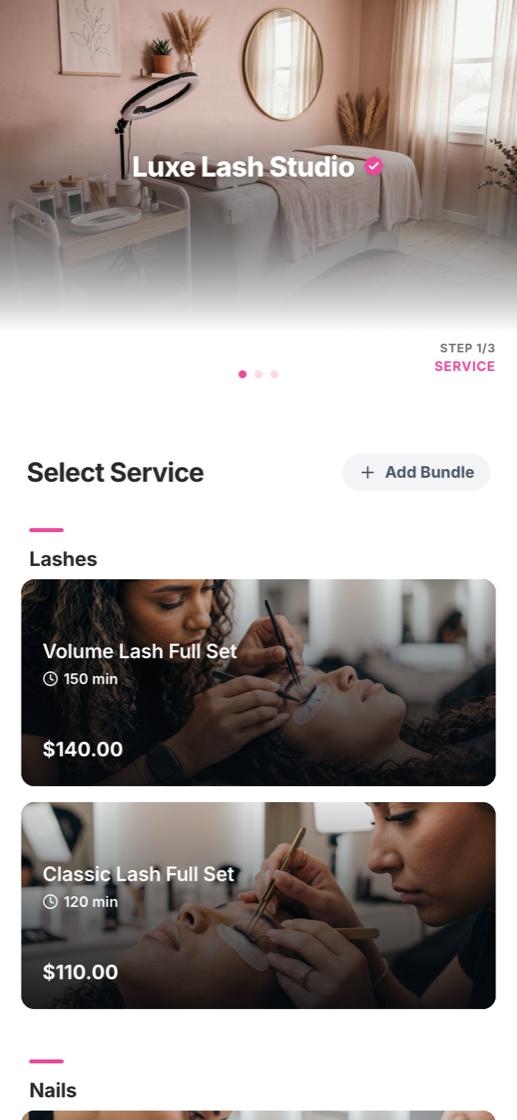
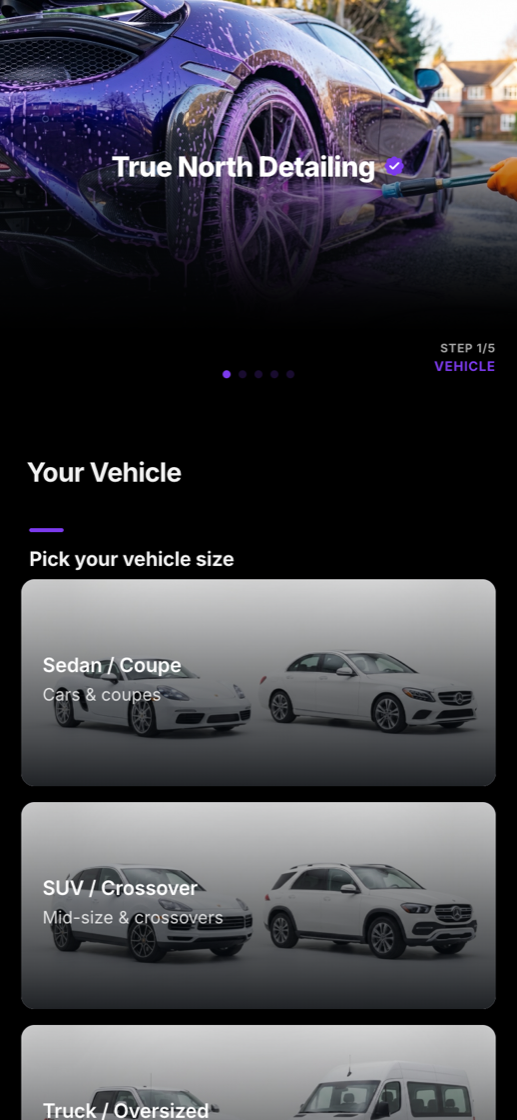
Your booking page is already built.


The problem
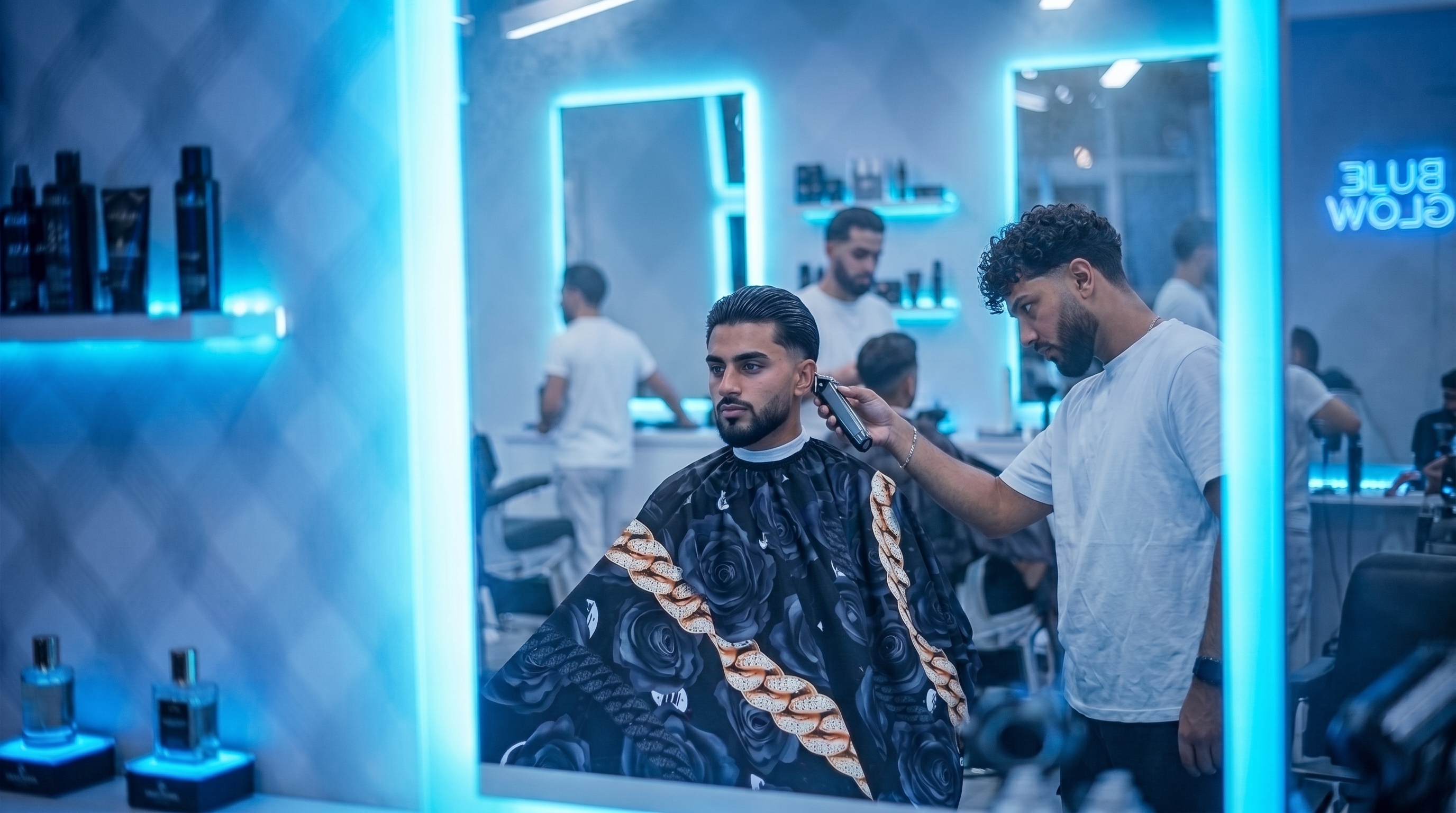
Great hands, messy bookings.
The ghost at 2 PM
A no-show is rent you already paid. Without a deposit there is nothing holding the slot.
Booked in the DMs
Requests at 11 PM, reschedules mid-service, screenshots of e-transfers. None of it is a system.
Buried under their brand
The big booking sites put their name over yours. Clients remember their app, not your shop.
The product
One system with your name on it.
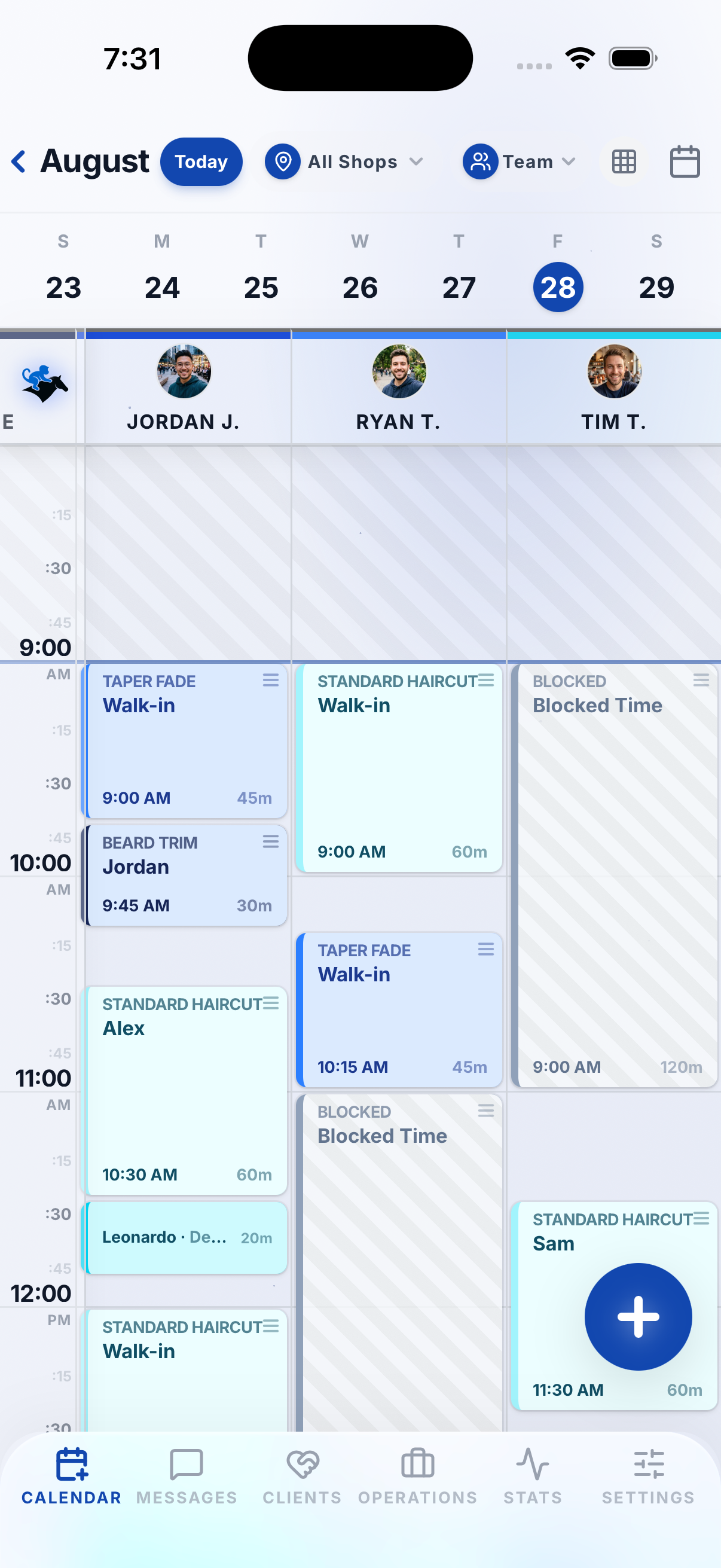
A branded booking page for your clients. A command center for you. Calendar, money, reminders, and the client list in one place.

9:41
9:41
Friday, August 21
FADE ROOM BARBERSHOP
nowAppointment tomorrow
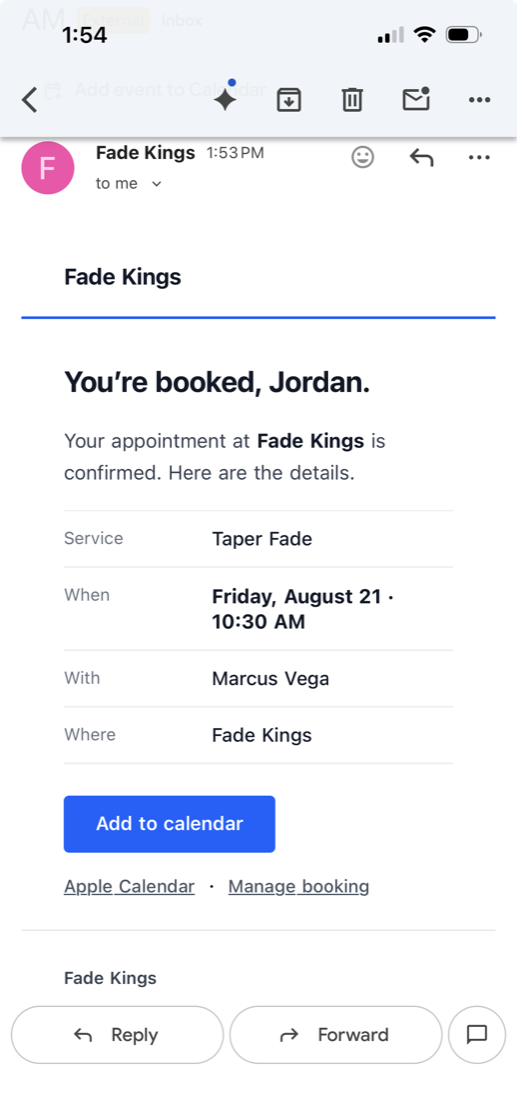
Taper Fade at 10:30 AM with Marcus
FADE ROOM BARBERSHOP
8h agoNew booking
Kids Cut · Sat 9:00 AM · $5.00 deposit paid
How it works
Live by tonight.
01
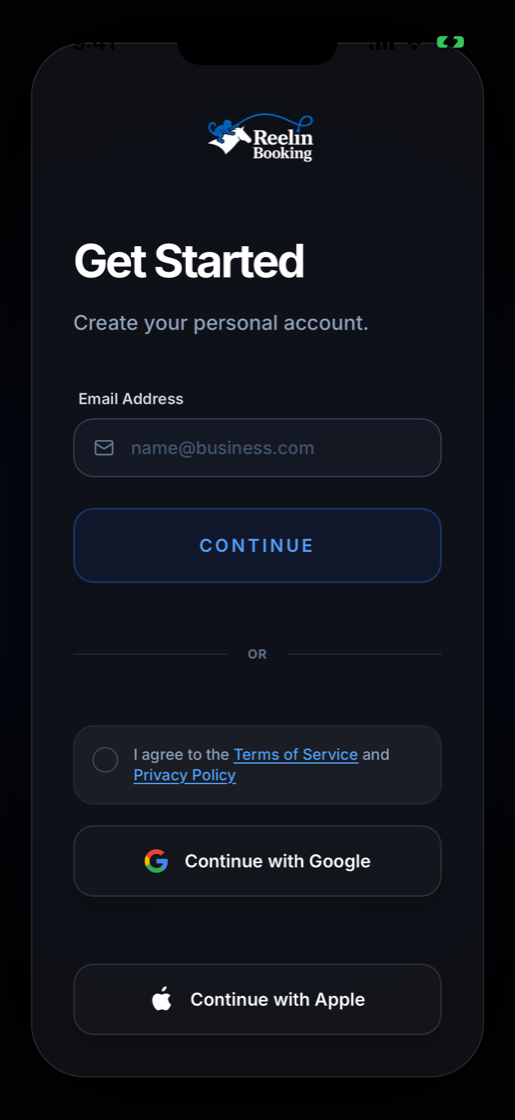
Make your account
Pick your trade and your page is born ready: services, photos, prices, your colours.
02
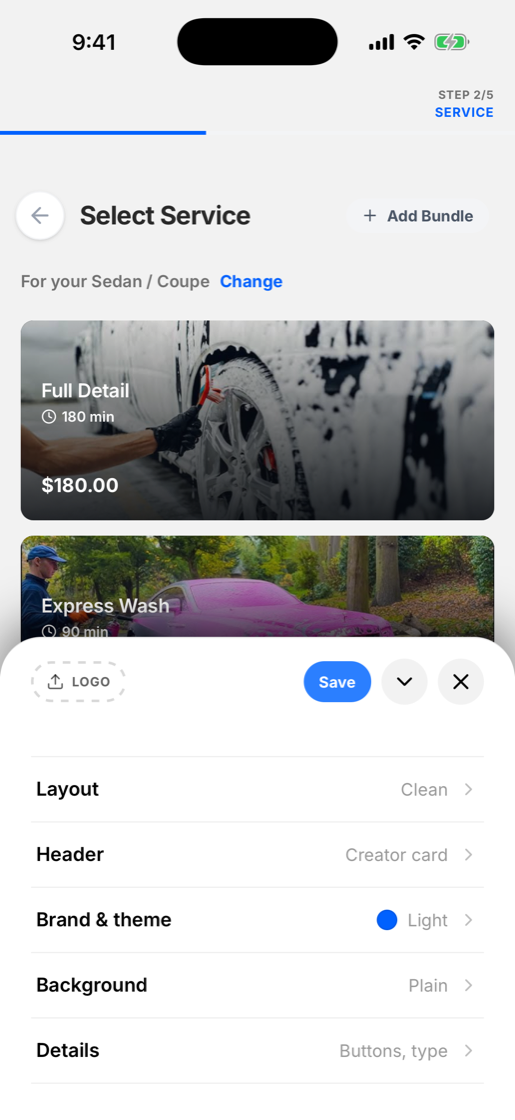
Edit the presets
Swap the name, the logo, the menu, your hours. Then share one link everywhere.
03
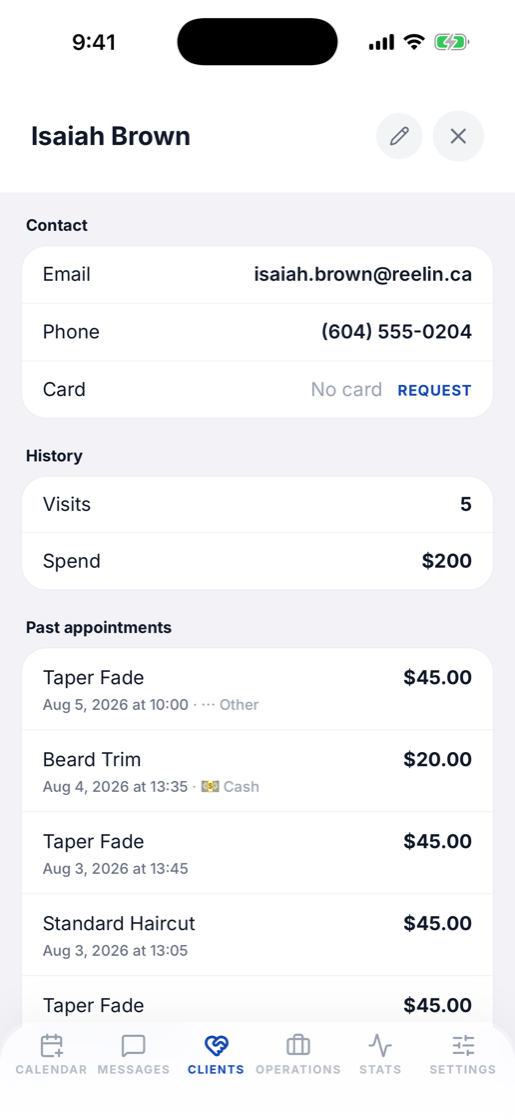
Import clients, connect payments
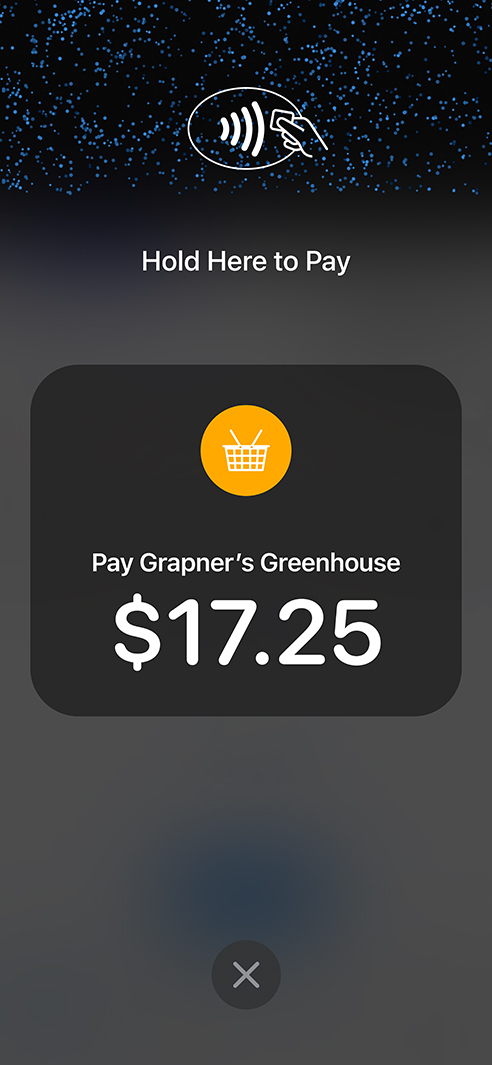
Bring your client list in, sync your calendar, and turn on deposits and Tap to Pay.
04
Let it run
Confirmations, reminders, and receipts send themselves. Finished jobs become Instagram share cards.
The outcome
What changes in week one.
Fewer no-shows
Deposits and a card on file make missing it their loss, not yours.
Booked while you work
The link takes bookings while your hands are busy.
A brand, not a username
A page that looks like your work, under your name.
Numbers that cut deep
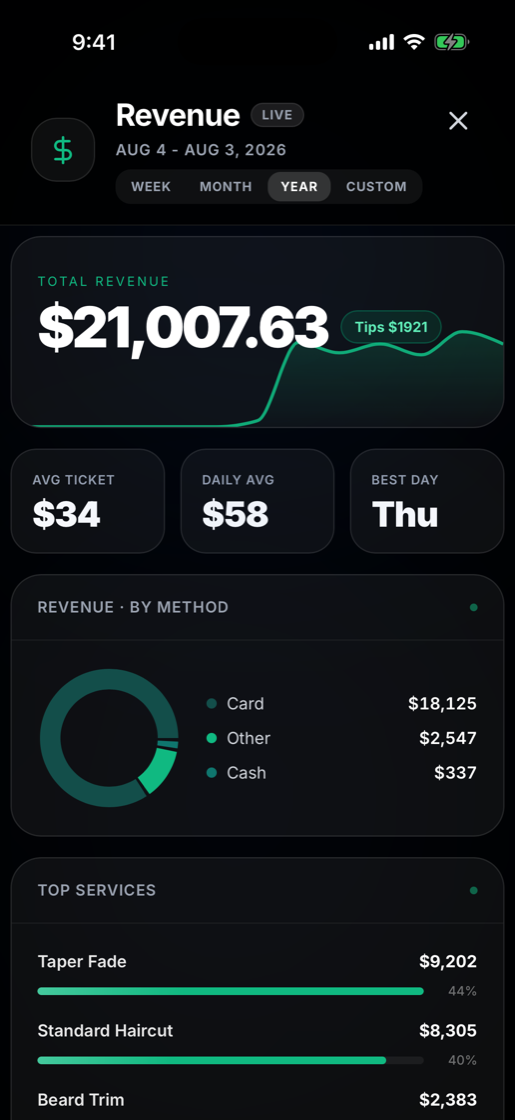
Revenue, rebooking rate, busiest hours. Live, not in a spreadsheet.
Integrations
Connects to what you already run on.
Stripe
Deposits and payouts
Tap to Pay
Cards on your iPhone
Apple Calendar
Two-way sync
Google Calendar
Two-way sync
Confirmations and receipts
Text reminders
Automatic texts
Share cards from jobs
“My clients think I paid a developer thousands for it. It’s just Reelin, and it books me while I sleep.”
Choose your tier.
Free Forever Account
Foundational tools for solo artists.
Solo
CA$19.97 /mo
One saved no-show pays the month
Solo
CA$19.97 /mo
One saved no-show pays the month
TeamNew
CA$39.97 /mo
No per-chair fees, ever
PlusTrending
CA$89.99 /mo
Everything a growing shop needs
ProMost Popular
CA$149.93 /mo
Your brand, front and center
UltraBest Value
CA$249.92 /mo
Built for multi-location scale
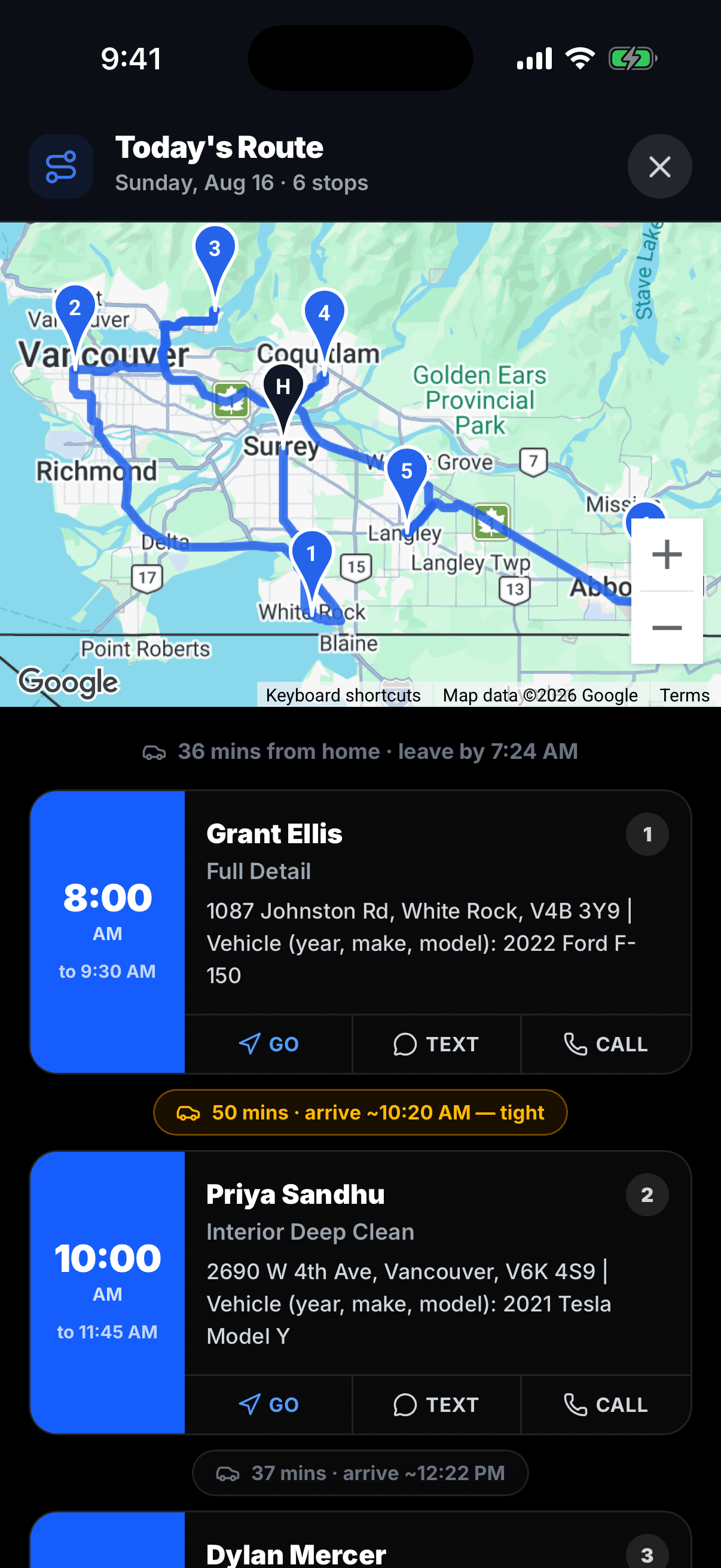
Mobile pro? Every paid plan includes mobile mode: travel fees, service areas, and drive-time routing.
Standard Stripe processing rates apply, plus a 0.1% Reelin platform fee. In-person POS and Tap to Pay require an active connected Stripe account.
Got Questions?
How hard is it to switch from my current booking system?
It's incredibly easy. You can bring over all your existing services and client lists seamlessly via CSV. Most businesses go from their old system to fully live on Reelin in under 15 minutes.
Does Reelin work for mobile barbers and detailers?
Yes, mobile is built in on every paid plan. Clients enter their address before choosing a time, you set your service area on a map, charge travel fees by distance, and the calendar automatically leaves room for drive time between jobs. Detailers also get a saved garage of every client vehicle and a run sheet for each job.
Does Reelin support multiple locations under one account?
Yes. Our Ultra tier is built for growing businesses. You can manage up to 3 different storefronts perfectly from a single dashboard, restricting specific staff members to specific locations.
Can I try out Reelin before committing?
Yes! We offer a Free Forever plan. You can set up your services, upload your logo, and completely test your booking flow without ever paying a dime.
Do I have to manually confirm every appointment?
No manual confirming required! Once you set your working hours, clients can just pick an open slot. They get locked in instantly, and the system automatically sends a confirmation email, plus text reminders on plans that include SMS.
Can I customize the look of my booking page?
Yes, you can make it completely yours. You can seamlessly match your exact brand colors, upload your own logos, and create a page that feels highly professional and personal.
Can I require deposits when clients book?
Yes! We integrate securely with Stripe so you can require partial deposits or full payments upfront. You set the exact rules for each service, severely cutting down on no-shows.
Can I charge a no-show fee?
Yes. Clients can save a card on file when they pay a deposit, or you can send them a secure link to add one. If someone misses their appointment, you choose whether to charge a fee, up to the full service price. Clients always agree to your cancellation policy when booking, always get a receipt, and their card is held by Stripe, never by you or by us.
Will Reelin plaster their logo all over my booking page?
No. Your booking page is about your business. Upgrading to our Pro or Ultra tiers unlocks complete white-labeling, removing all Reelin branding to keep the spotlight entirely on you.
What happens if my staff or I have an emergency?
You can easily block off time on your calendar right from your phone at any moment. Clients won't be able to book during that window, and you can quickly reschedule anyone who was impacted.
Can I make clients fill out a form before they book?
Yes. You can require clients to answer custom questions or sign digital waivers before their booking is finalized. It's perfect for gathering skin types, style references, or consent.
How many staff members can I add?
It completely depends on your plan. Team allows up to 4 staff members, Plus up to 10, Pro up to 20, and Ultra up to 50. Every staff member gets their own secure login and dedicated schedule.
Ready to fill your calendar?
Set it up this afternoon. Take your first booking tonight.